← Default view
Route topo Windows → Linux 2026 Retreat possible at every pitch

Testing
the waters

A staged, reversible ascent from a Windows dev workstation to Linux. Seven pitches surveyed, two of them closed. Each one marked with what it proves, what it can't see, and the cost of coming back down.

Base camp · Windows 0 · WSL2 1 · Live USB 2 · VM 3 · External SSD 4 · Dual-boot 6 · Commit
The line the angles converged on

The external SSD is the only pitch that is simultaneously full-fidelity and zero-commitment — real kernel, real drivers, a real four-week trial, and undo means unplugging [3]. Single-disk dual-boot buys nothing it doesn't, at the price of partition surgery and a bootloader Windows has broken before [5].

7Route reports
223Citations
~3 moElapsed, start to decision
€70–160Total spend
€0Retreat cost thru pitch 3

Two questions, one rope

Why the ladder exists

A migration asks two independent questions, and almost every "try Linux safely" option answers only one. That single split is what decides which pitches are worth climbing — and which are scenery.

A

Does my software survive?

.NET SDK, Node and the TypeScript toolchain, Docker, editors, git, shell. Everything that lives above the kernel and travels with your repo.

Virtualised answers this at near-perfect fidelity [1]
B

Does my machine survive?

Suspend and resume, Wi-Fi, Bluetooth, GPU and external monitors, the dock, the fingerprint reader, battery, fractional scaling, the desktop itself.

Virtualised answers this at exactly zero [14]

The route, pitch by pitch

Altimeter: software fidelity · hardware fidelity
0
SW
HW

WSL2

Free 80% of question A
Spend€0
Setup15 min
Stay2–4 weeks

Proves

The whole Linux userland dev loop: bash, apt, git, the dotnet CLI, Node, Docker, systemd units — on a real Microsoft-built kernel with full syscall compatibility [1] [34].

Structurally blind to

Anything hardware or desktop. Kernel modules, custom boot and raw NIC access are blocked; USB needs usbipd forwarding; networking is NAT, handing the distro a fresh IP on every restart — a real annoyance if your homelab expects LAN-visible services [14].

Advance when

Your whole build/test/run loop lives in WSL and you stop opening PowerShell for anything but launching it.

Retreat when

The toolchain has a hard Windows dependency — WPF/WinForms designers, IIS [20].

⚠ Keep repos on the ext4 side

Under /mnt/c a git working tree is ~34× slower on random reads [8], and Microsoft's own guidance is to store files in the WSL file system when you work from a Linux command line [30]. This is exactly where a Dropbox-synced Windows folder would put them.

Retreat
wsl --unregister
Seconds
1
SW
HW

Live USB

One evening · non-negotiable
Spend€10
Setup20 min
Stay1 evening

Proves

A real kernel on your silicon. Wi-Fi association, Bluetooth pairing, external monitor over the dock, brightness keys, audio in and out, webcam, trackpad gestures. Cross-check the model against Canonical's certified list — certification runs 500+ compatibility tests per machine [7] [35].

Structurally blind to

Anything needing a driver install or a kernel update — persistent live media chokes on initramfs regeneration, which is exactly what a proprietary NVIDIA module needs [18]. Also long-run stability, suspend, battery and updates.

Advance when

Wi-Fi, display, trackpad and the external monitor all come up unaided.

Retreat when

A core device is dead — Wi-Fi chipset with no driver, GPU won't initialise. "GPU stuck on nouveau in the live session" is not a no-go signal; the live medium can't load the proprietary module anyway.

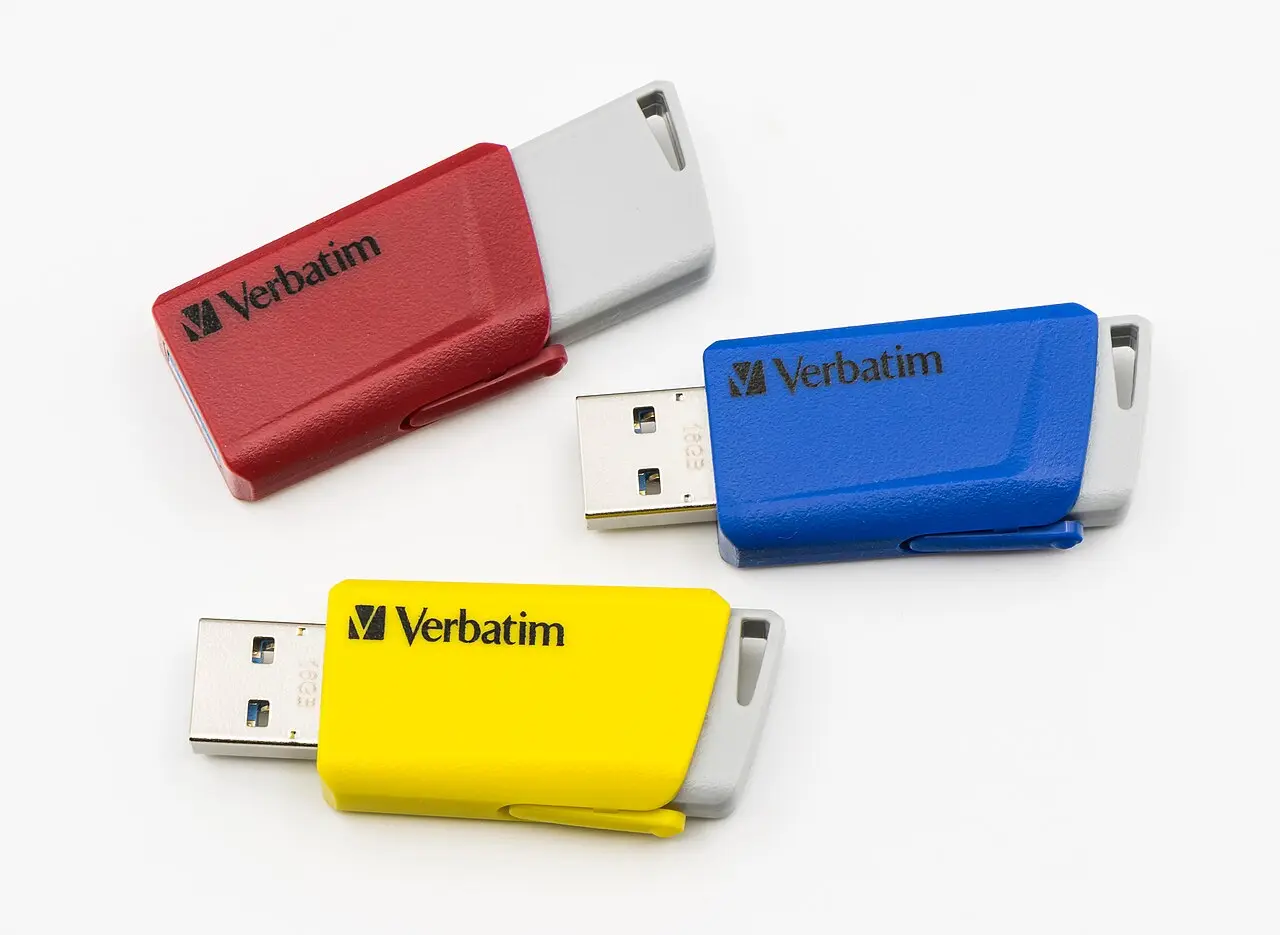
USB flash drives
€10 of hardware, and the only thing that answers question B before you spend anything
Retreat
Pull the stick,
reboot
Zero
"Doesn't alter your computer's configuration in any way" [2]
2
SW
HW

Virtual machine

Detour · no elevation gained
Spend€0
Setup30 min
Stay0–1 week, optional

Proves

A distro and desktop-environment shopping trip: package-manager muscle memory, .NET and TypeScript build/test/debug end to end. Nothing pitch 0 didn't already cover.

Worse — it misleads

Same blind spots as WSL2, plus it actively misrepresents desktop feel. Without PCI passthrough — a second GPU dedicated to the guest and cooperative IOMMU grouping [19] — you are benchmarking a software rasteriser and calling it Wayland.

Verdict

If you already did pitch 0, a VM adds little. Spend the evening on pitch 1 instead.

Retreat
Delete the
VM file
Seconds
3
SW
HW

External NVMe SSD

The crux
Spend€60–150
Setup1–2 h
Stay4–8 weeks — the real trial

Proves

Effectively everything: real drivers, real suspend, real docking, real battery, real update cycles across weeks. The Windows disk is never written to [3]. "The idea with running Linux on a separate disk is the ability to basically press delete, and the Linux system is gone." [15]

Structurally blind to

Only the USB-bus I/O ceiling, and the fact you're carrying a dongle. Buy USB 3.2 Gen2 with an NVMe-in-enclosure — TRIM and UASP support depends on the bridge controller [32]. Nothing else material.

Advance when

You have gone 2–3 weeks without booting Windows for anything but one known app.

Retreat when

Suspend, docking or battery is unfixable after two weekends of trying.

⚠ Crevasse — the one thing that makes this pitch irreversible

Installers happily write the bootloader to your internal ESP. Then unplugging the SSD undoes nothing, and the EFI partition may have been overwritten. The fix is blunt: disable the internal drives in BIOS/UEFI before installing, so the installer can only see the external disk [16]. Do this and retreat really is "unplug it."

Log this — it is your go/no-go evidence, not your mood

  • Suspend/resume success rate over ~30 lid-closes.
  • Idle battery drain vs the Windows baseline. Expect it worse out of the box — vendor drivers are OEM-tuned — and to need TLP or auto-cpufreq to close the gap [26].
  • Dock/undock cycles with monitors, Ethernet and peripherals attached.
  • On NVIDIA: flicker and frame pacing under Wayland — verify explicit sync on your card rather than assuming.
  • Windows-boot tally. The single best advance signal. When it hits zero for 2–3 weeks, you have stopped trialling.
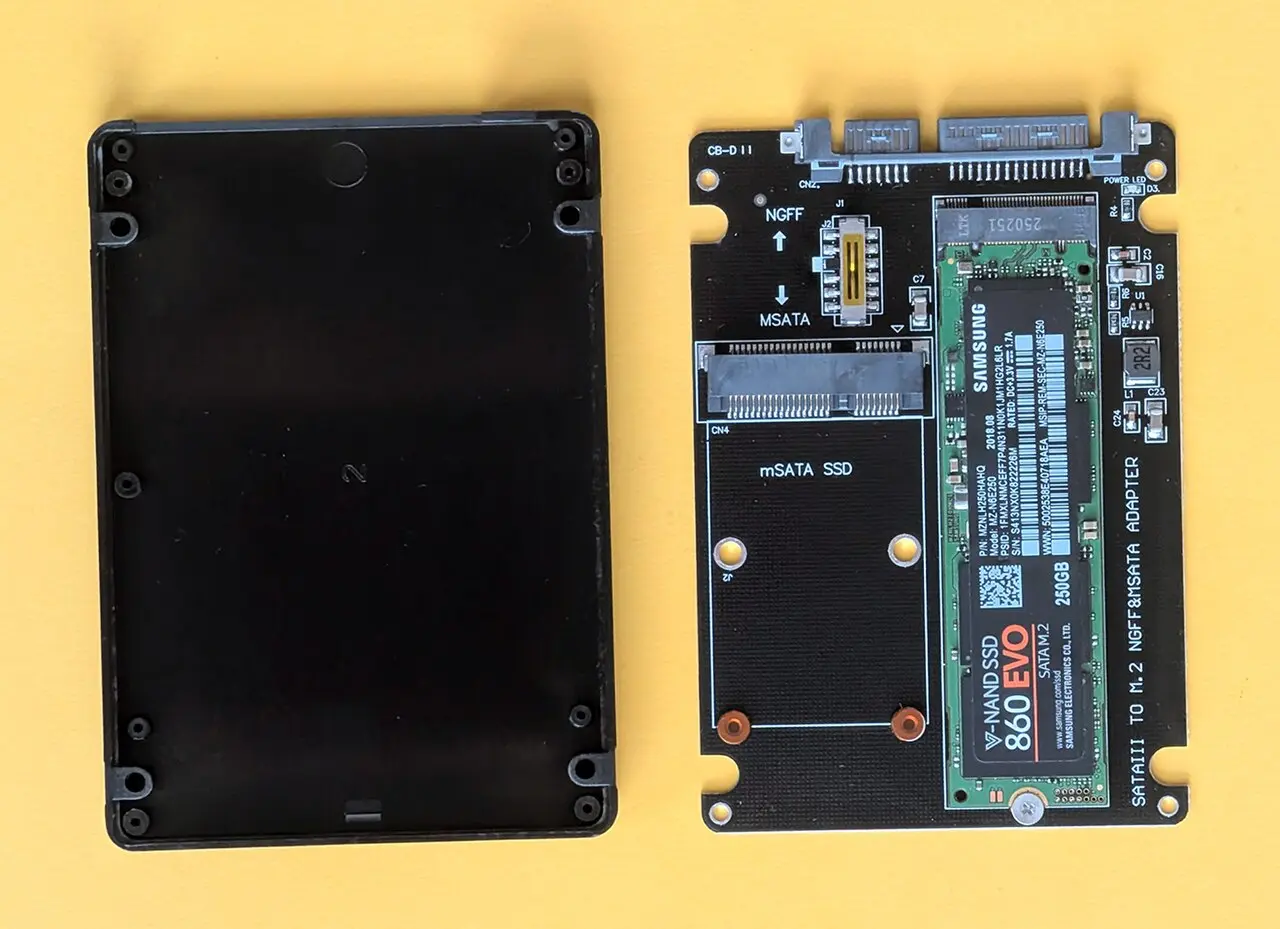
An M.2 SSD on an adapter board beside a 2.5-inch enclosure shell
Week 1 is the trough — printer drivers, Bluetooth audio latency, missing apps — then it lifts [21]
Retreat
Unplug it
Zero
Only if you protected the ESP
4
SW
HW

Single-disk dual-boot

Route closed
Spend€0
Setup1–2 h + risk
StaySkip it

Proves

Nothing pitch 3 doesn't — identical altimeter, strictly higher risk. It is the default advice and it is the wrong one.

What it adds instead

Partition surgery under BitLocker, where "changes to the NTFS partition table" is a documented recovery trigger [4]. Fast Startup leaving NTFS hibernated. Clock skew. And Windows updates that have bricked the Linux bootloader before — the August 2024 SBAT event took roughly nine months to fix [5].

The behavioural failure

Every switch costs a reboot, so you stop switching and stay in Windows. That, not the partition table, is what kills most dual-boot trials.

If you insist on Linux inside the chassis

Second physical disk, its own ESP on that disk, F12 from the firmware boot menu rather than a shared loader, Secure Boot left on with a shim-signed distro, and the Windows drive physically disconnected during install. There is only one ESP per drive, so hibernating Windows and still booting Linux requires two ESPs on two physical disks — no exceptions [6]. That is pitch 3 with better I/O and the same reversibility.

Retreat
Repartition +
bootloader repair
Hours,
data at stake
5
SW
HW

Spare mini PC

Parallel track, not a pitch
Spend€150–300 used
Setup1 h
StayIndefinite, alongside

Proves

Linux reflexes — systemd, journalctl, Docker Compose, reverse proxies — with a safe blast radius, and it dovetails with a homelab you already run.

Structurally blind to

Everything about your workstation's hardware. Different chipset, different Wi-Fi card, different everything. It cannot substitute for pitch 3.

Retreat
It's a separate
box
Zero
6
SW
HW

Wipe and commit

Summit
Spend€0
Setup2 h
StayForever

Proves

The last 10% — the workflows you only notice when there is no escape hatch. Commit criterion: 30 consecutive days with zero Windows boots.

Before you wipe

Image the Windows disk, verify a Windows install USB actually boots, and confirm you hold the BitLocker recovery key. That trio is what keeps the retreat cost at half a day rather than a lost weekend.

Keep, don't dual-boot

A Windows VM for the one or two apps that never ported — WPF/WinForms designers and IIS have no Linux port and Microsoft has announced none [20]. Visual Studio proper was reconfirmed in 2025 as never shipping on Linux [36]; Rider covers the cross-platform .NET IDE gap [24].

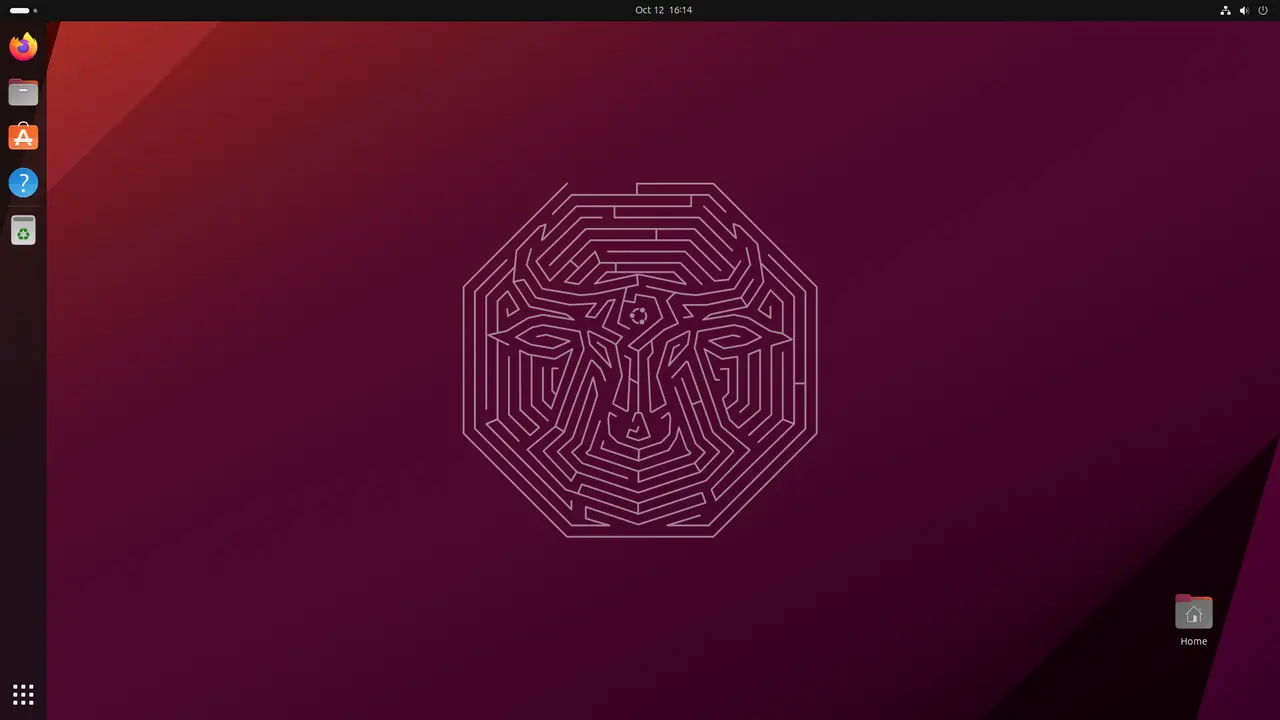
An Ubuntu GNOME desktop
The summit is unremarkable — which is the point
Retreat
Reinstall Windows
from USB + restore
Half a day

The descent profile

Cost of undoing each pitch

Read it as one shape rather than seven numbers. Retreat is free — genuinely, structurally free — all the way to the crux. Then one closed route spikes, for information you already had.

seconds
0 WSL2
0
1 USB
seconds
2 VM
0
3 SSD
hours +
data at stake
4 Dual-boot
0
5 Mini PC
half a day
6 Commit

The whole argument, in one silhouette. Pitch 4 has the same altimeter as pitch 3 and twenty times the descent cost. Pitch 6's cost is the only one you should ever pay — and only after the tally has read zero for a month.

Thirteen weeks

Only weeks 5–12 involve real friction
W1
WSL2
W2
WSL2
W3
WSL2
W4
Live USB
W5
Buy + install
W6
Daily drive
W7
Daily drive
W8
Daily drive
W9
Daily drive
W10
Daily drive
W11
Daily drive
W12
Daily drive
W13
Decide
Deliverable W1–4: list of Windows-only dependencies Deliverable W12: suspend/battery/dock log

Summit checklist

Tick, don't feel

Fix a rollback date before you start, and decide against this list on the day. Retrospectives that succeeded treated the switch as a tool-selection problem with a per-app verdict, not a conversion.

  • Zero unresolved hard blockers. Exactly one class qualifies in 2026: kernel anti-cheat [29] and locked-down corporate MDM [28]. A VM or a retained partition counts as resolved only if you accept it permanently.
  • 21 consecutive days without booting Windows for anything unplanned.
  • Suspend/resume survives 20 cycles including dock and external display, with no black screen.
  • Full solution build plus test suite green, wall-clock within 110% of the Windows baseline you measured before wiping.
  • Every app in the inventory has a working replacement or an explicit decided-to-drop mark. No blanks.
  • One real deploy to the homelab done end-to-end from Linux.
  • Zero unrecovered data-loss or "couldn't work today" incidents.
  • A pre-committed rollback date written down before pitch 3 starts — so the decision is a date, not a mood.

One crevasse, three approaches

The theme that repeats across the angles

A git working tree belongs on a native Linux filesystem owned by one OS. Three independent angles reached that rule from three different directions — and each found a different way to fall in.

01

Across the WSL boundary

Files under /mnt/c cross a plan9 protocol, one round-trip per operation. Roughly 34× slower on random reads than the WSL ext4 VHDX.

Failure mode: it just feels broken [8]
02

On a shared NTFS partition

The tree loses the exec bit, case-sensitivity and symlinks — semantics you cannot reconcile from either side. The in-kernel ntfs3 driver is being actively re-litigated on LKML in 2026.

Failure mode: silent divergence [9]
03

Inside a sync folder

Dropbox has no idea what git's on-disk format is. Concurrent changes "can result in a corrupted Git repository."

Failure mode: actual data loss [10]

Where the rope team disagrees

How long to sit on pitch 0
The WSL2 deep-dive says
3–6 months

Long enough to fully retire the userland risk — bash, coreutils, apt, git, Docker, dotnet and bun on Linux — because that part is genuinely identical, and it costs nothing to be sure.

The ladder angle says
2–4 weeks

WSL2 cannot begin to answer question B. Every extra week there is a week the actual risk stays untested, and the tooling answer stops changing after the first fortnight.

Tiebreak: take the shorter number if your hardware is unknown, the longer one if the machine is on Canonical's certified list [7]. The disagreement is really about how much question-B risk you are already carrying.

Supply lines

Living in both OSes for months without your setup rotting

One source of truth per asset class, replicated by a tool that understands the OS difference. Never a shared partition, and never two hand-edited copies. Where a config genuinely must differ per OS, it is not two files — it is one templated file with a per-OS branch.

Code and repos

→ git remote

Clone natively on each OS into a native filesystem. Repo-level behaviour goes in a committed .gitattributes, not a per-machine setting.

Dotfiles

chezmoi ⭐ 21k

The only mature manager with first-class Windows support, templating and password-manager integration [25]. Windows symlinks need developer mode.

Secrets and SSH

→ password vault

The only truly OS-neutral secret store. One SSH key per install, both enrolled — or one FIDO2 resident key you physically carry.

Docs and media

→ Dropbox, natively both sides

btrfs, zfs and xfs have been officially supported since 2019 [11] — the ext4-only rule is history, so btrfs snapshots are not blocked.

⚠ The Dropbox trap

→ two linked installs, never one folder

You cannot point Windows Dropbox and Linux Dropbox at one partition [13]. And rolling back a btrfs subvolume containing ~/Dropbox looks like mass deletion to the client — in a shared folder those deletions propagate to everyone [12]. Keep it on a subvolume Timeshift doesn't touch.

Escape hatches that closed

→ plan around them

Maestral ⭐ 3.3k, the main open-source Dropbox client, was archived in July 2026 [31]. The official client is the path.

Kit list

Everything the ascent actually costs
USB flash drives

USB stick

€10

Pitch 1. The single highest-yield purchase on the route — it is the only thing that answers question B before you spend anything else.

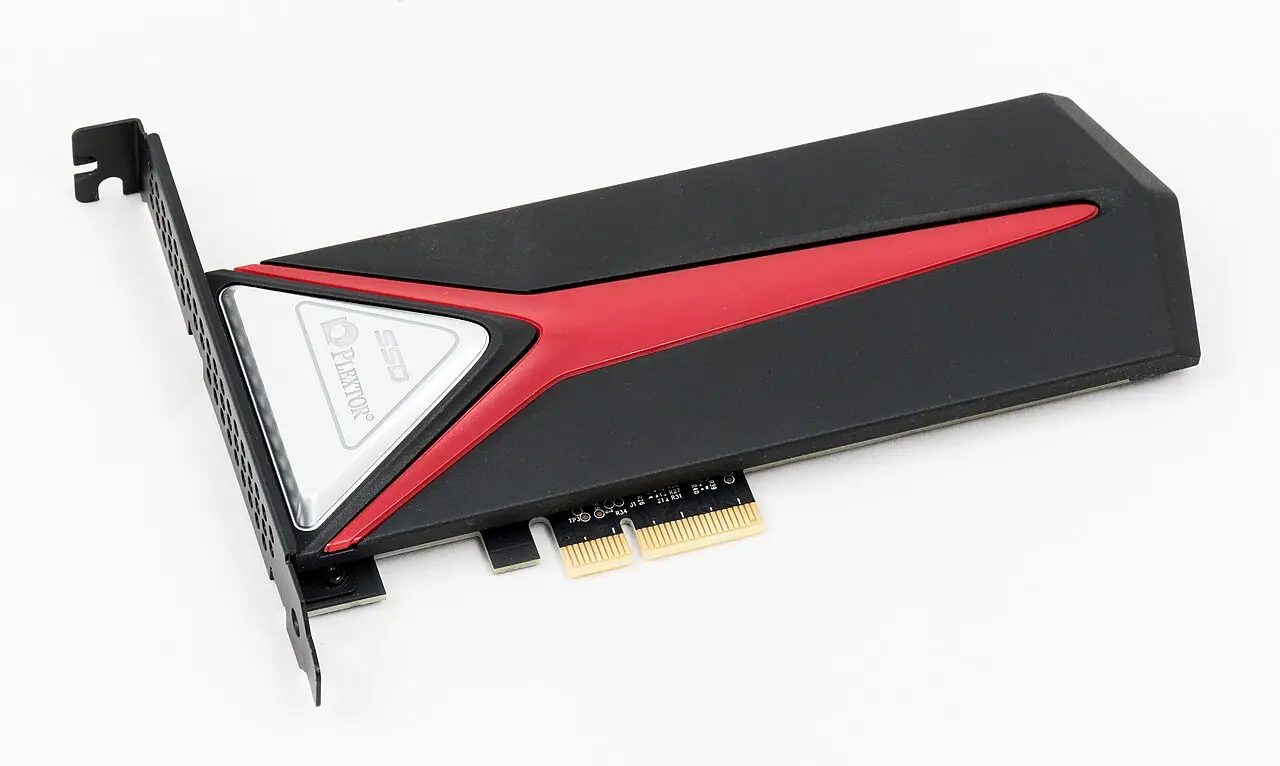
An NVMe solid-state drive

1 TB NVMe + USB 3.2 Gen2 enclosure

€60–150

Pitch 3. Not a thumb drive — the OS is bottlenecked by the disk. Check the bridge chip for UASP and TRIM support [32].

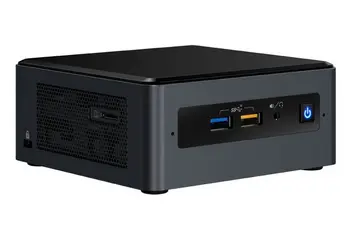
A small form-factor mini PC

Used mini PC optional

€150–300

Pitch 5. A parallel track for building server reflexes next to the homelab. Never a substitute for the crux.

Tux, the Linux mascot

Software

€0

Rider or VS Code for .NET, chezmoi for dotfiles, TLP for battery. SQL Server runs in Docker; SSMS does not travel.

Conditions report, 2026

The tailwind is real but modest
14 Oct 2025Windows 10 support ended [37]
2.8% → 4.7%Desktop Linux share, 2022 → 2025; ~6% projected by late 2026 [27]
10–20%WSL2 overhead vs bare metal — CPU low end, I/O high end [33]
3 months"I haven't booted into Windows in over 3 months on my tower" [22]
639Comments on the thread arguing about it — still contested [23]

More recent, better-tested hardware support — not an answer to the hardware question. Practitioner consensus on the AnandTech thread lands in the same place the ladder does: a VM first, then a real machine [17].

The one thing none of this resolves

Whether your specific machine suspends, docks and drives external displays cleanly. That is empirical, it costs one evening and a USB stick, and every downstream decision on this route is gated on it.

Ladder view · route topo Seven angles · 223 citations · 30 July 2026